Building a QTI 3.0 Authoring System with Deno
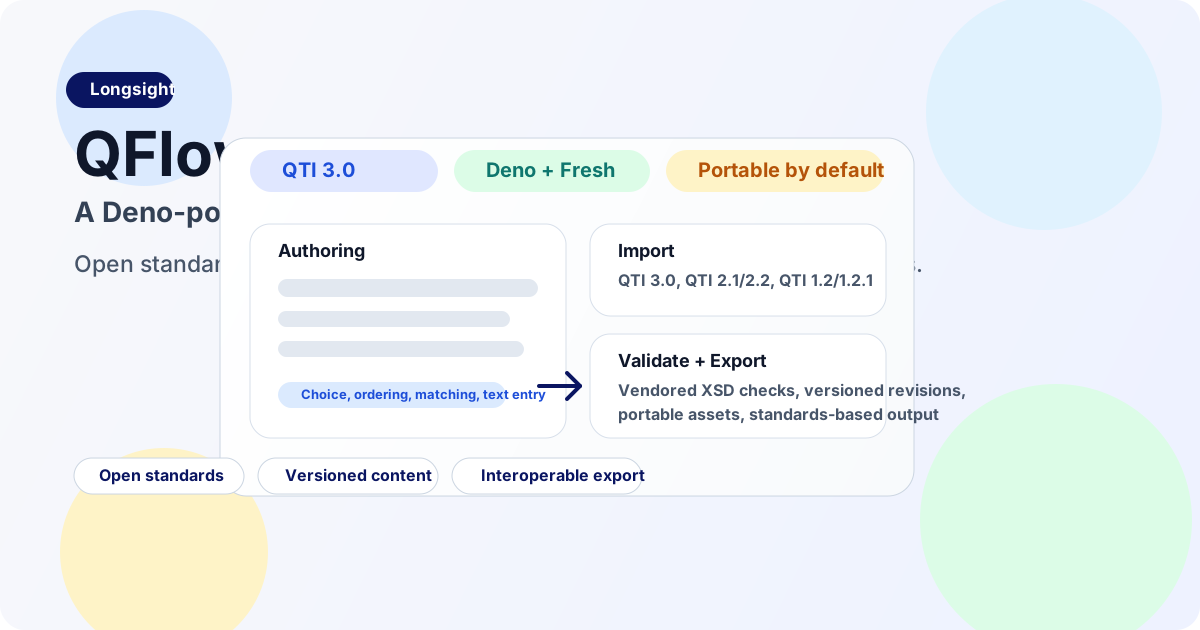
QFlow gives institutions one workflow to import, edit, validate, preview, and export QTI assessment content.
Authors usually create assessment content inside an LMS or testing platform. That system stores and previews the questions, and often becomes the only place anyone can edit them.
Many products store questions in their own internal format and convert them to QTI only during export.
During an LMS migration or platform consolidation, institutions have to move item banks from old tools, preserve accessibility information, and make the questions work in a different delivery system. An exported file is useful only if another system can validate, open, and edit it.
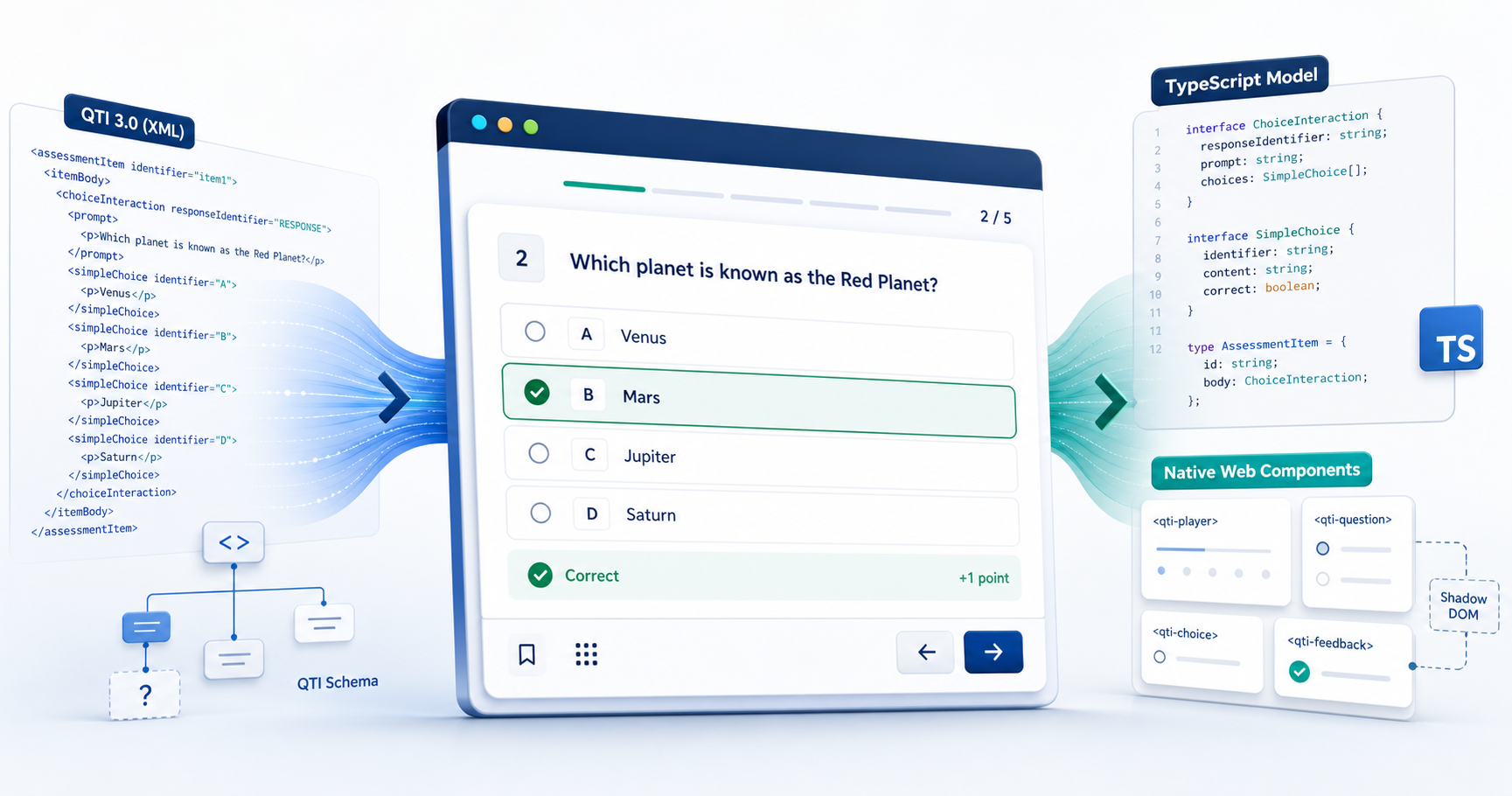
QFlow imports QTI into the authoring workflow, validates each change, and exports QTI again. The project is available at QFlowLearn.com.
Why QTI 3.0
Implementing QTI requires careful work. 1EdTech publishes a QTI 3.0 overview and implementation guide, along with suggested procurement language for institutions evaluating vendor support. These documents give institutions specific criteria to review instead of a checkbox labeled “QTI compatible.”
Version 3 also includes accessibility in the assessment model. Its structures can describe support content and delivery behavior, so an authoring tool does not have to bolt that information onto an item later.
Authoring requirements
Many established authoring tools were designed around server-side workflows and storage owned by a single platform. They offer limited import support, and their exports can be difficult to use in another system.
The institutions we work with have item banks from several generations of software. They merge systems, change LMSes, and update accessibility practices. A new authoring tool must accept questions created in older systems and keep them portable.
Some institutions now use AI to draft questions. That draft still needs response options, scoring rules, metadata, and accessibility information before it can become an assessment item. The finished item also needs to be stored in a format other systems can read.
QFlow imports QTI 3.0, QTI 2.1 and 2.2, and QTI 1.2 and 1.2.1 because that is what these institutions already have. It stores question revisions in Postgres, validates output locally against vendored QTI 3 XSDs, and exports assessments from the authoring workflow. An imported bank gets the same validation and revision history as content written in QFlow.
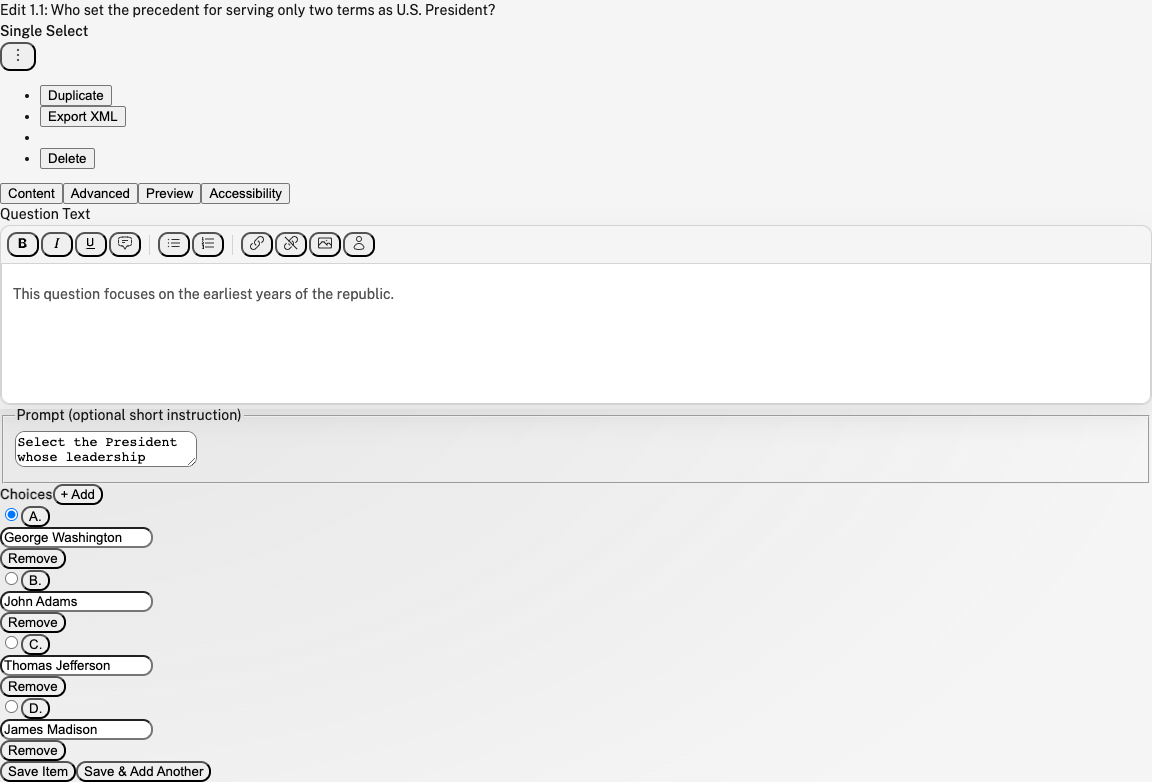
Editing a demo assessment in QFlow, with question content, preview, accessibility settings, and export in the same workspace.
Why we chose Deno
We chose Deno to use one language and runtime across the application. The authoring interface shares TypeScript types and code with the import, validation, and export routes.
- TypeScript support is built in.
- Deno includes the formatter, linter, task runner, test runner, and runtime configuration we need.
- Runtime permissions let us control access to authored content, uploaded files, and external services.
- Local development requires little build configuration.
QFlow uses Fresh to render most pages on the server. Preact islands handle the parts that need to run in the browser, including rich-text editing and interaction builders. Only those interactive components need client-side code.
The rest of the stack includes:
- Deno 2.5+, Fresh 2.x, and Vite for the application shell
- Preact islands and signals for client-side interactions
- ProseKit for rich-text editing
- Postgres and Drizzle for authoring data
- Cloudflare R2 for uploads and portable asset references
xmllintand vendored QTI 3 XSDs for local validation
The authoring interface and the routes for importing, validating, storing, and exporting content all use TypeScript. When we change the item model, we can follow that change through the application without crossing a language or service boundary.
References
- QFlowLearn: https://qflowlearn.com/
- 1EdTech QTI overview: https://www.1edtech.org/standards/qti
- QTI v3 Best Practices and Implementation Guide: https://www.imsglobal.org/spec/qti/v3p0/impl
- Suggested QTI requirements for procurement and RFPs: https://www.1edtech.org/standards/qti/rfp-procurement-agreements
- Deno: https://deno.com/
- Fresh: https://fresh.deno.dev/