Implementing Cross-Platform Push Notifications in Sakai
Implementation notes for cross-platform Sakai push notifications, including iOS Safari Web Push requirements, VAPID setup, service workers, and delivery edge cases.
Implementing Cross-Platform Push Notifications in Sakai
Introduction
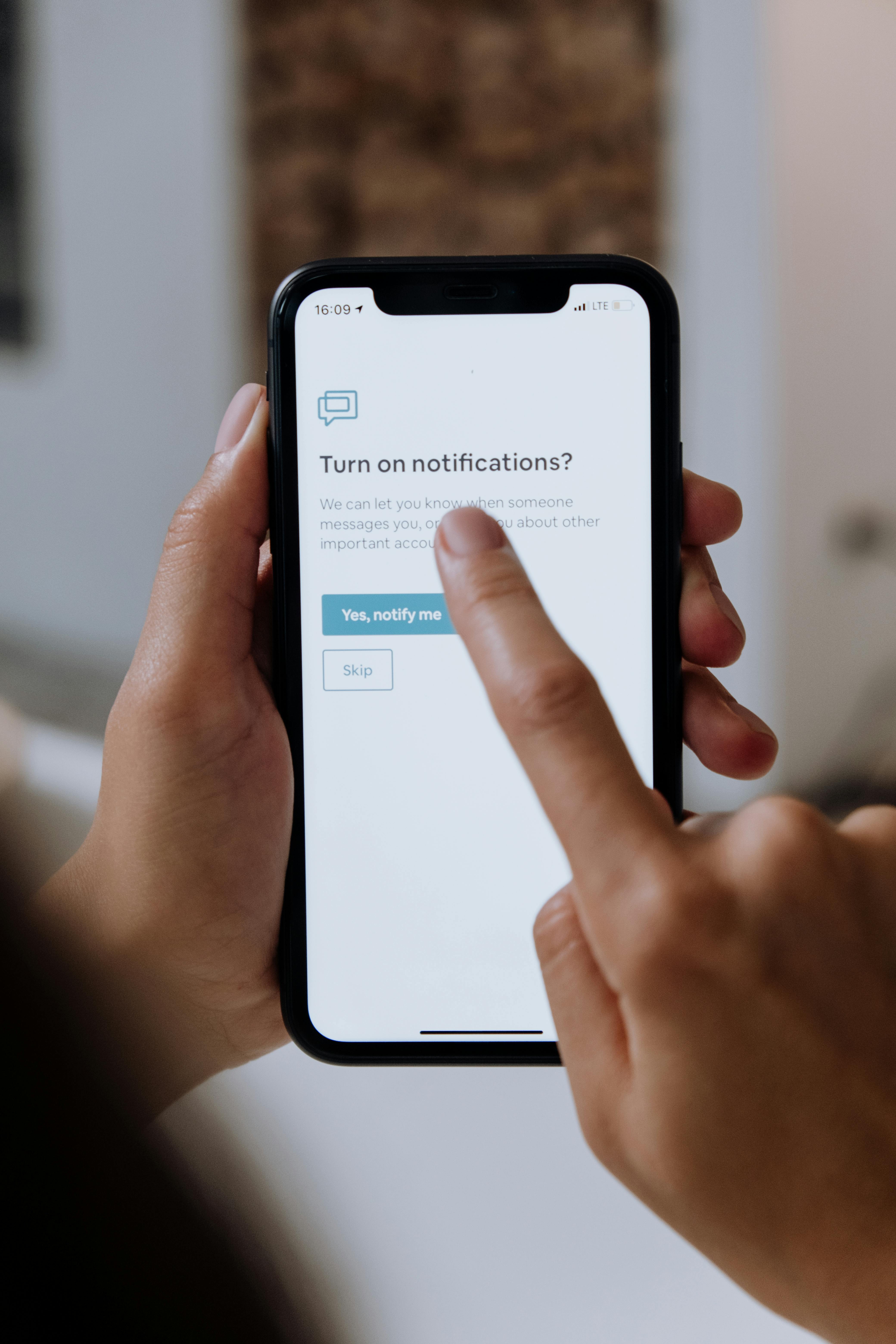
Push notifications help students and instructors keep up with coursework when they are not actively browsing the LMS. Browser support differs across iOS Safari, Android browsers, desktop Safari, Chrome, Firefox, and Edge.
This post covers the Sakai push notification changes for iOS Safari support, VAPID setup, subscription cleanup, and debugging.
The Challenge: iOS Safari and Web Push
When we began investigating push notifications for iOS Safari users, we expected to need Apple developer services and APNs certificates. iOS 16.4+ supports the Web Push Protocol in Progressive Web Apps (PWAs), using the same VAPID (Voluntary Application Server Identification) authentication as other browsers. Sakai does not need APNs certificates for this path.
Key Discovery: PWA Requirement
iOS Safari requires the site to be installed as a PWA before push notifications work. Android browsers and desktop Safari can receive push notifications directly in the browser.
Platform-Specific Implementation
iOS Safari PWA Requirements
- iOS 16.4+ minimum version
- PWA installation mandatory (add to home screen)
- User interaction required for permission requests
- Strict VAPID subject validation
Android Chrome/Firefox
- No PWA required - works directly in browser
- Background support for notifications
- Firebase Cloud Messaging (FCM) backend integration
Desktop Browsers
- Universal support across Chrome, Firefox, Safari, Edge
- Standard Web Push Protocol implementation
Implementation Notes
1. VAPID Subject Configuration Issues
Apple’s push service returns 403 Forbidden for improperly formatted VAPID subjects.
Problem: Default configuration used empty string
# This caused 403 errors from Apple
portal.notifications.push.subject=""
Solution: Defaults with proper formatting
String defaultSubject = "https://" + serverConfigurationService.getServerName();
String pushSubject = serverConfigurationService.getString("portal.notifications.push.subject", defaultSubject);
Key Requirements for Apple:
- No spaces after colons:
mailto:admin@school.edu✅ (notmailto: <admin@school.edu>❌) - Valid HTTPS URLs or mailto addresses
- Domain doesn’t need to match your Sakai instance
2. Browser Detection
Sakai needs platform-specific behavior, so the browser checks distinguish iOS Safari from other browsers and detect whether the app is running as a PWA:
export const isIOSSafari = () => {
  const ua = getUserAgent();
  return /iPad|iPhone|iPod/.test(ua) && /Safari/.test(ua) && !/Chrome/.test(ua);
};

export const isPWA = () => {
  const standaloneMode = window.matchMedia("(display-mode: standalone)").matches;
  const iosPWA = window.navigator.standalone === true;
  return standaloneMode || iosPWA;
};
3. User Experience Changes
iOS Safari Browser (Non-PWA):
- Shows informational banner about PWA installation
- Displays notifications immediately below (no button click required)
- Provides clear installation instructions
iOS Safari PWA:
- Full push notification support
- Automatic permission flow after user interaction
- Badge support for notification counts
4. Automatic Subscription Cleanup
Sakai removes failed push endpoints when the push service reports a permanent failure:
// Handle subscription cleanup for permanent failures
if (statusCode == 410 || statusCode == 404 || statusCode == 400) {
    log.info("Removing invalid push subscription for user {} due to status {}",
            un.getToUser(), statusCode);
    clearUserPushSubscription(un.getToUser());
}
Status codes handled:
- 410 Gone - Subscription expired (common with FCM)
- 404 Not Found - Endpoint no longer valid
- 400 Bad Request - Malformed subscription
- 403 Forbidden - VAPID authentication issues (logged but not auto-deleted)
Debugging iOS Safari Push Notifications
Remote Debugging Setup
The key to debugging iOS Safari push notifications is using Safari’s remote debugging feature:
- Connect iOS device to Mac via USB
- Enable Web Inspector on iOS: Settings → Safari → Advanced → Web Inspector
- Open Safari on Mac → Develop menu → [Your Device] → [Your PWA]
- Access full console and network debugging tools
Debugging Points
Frontend Debugging:
console.debug("PWA detection:", { standaloneMode, iosPWA, isPwaMode });
console.debug("Push subscription created:", sub);
console.debug("Subscription endpoint:", sub.endpoint);
Backend Debugging:
log.info("Push service configured with VAPID subject: {}", pushSubject);
log.warn("Push notification to {} failed with status {} and reason {}",
         pushEndpoint, statusCode, reason);
Things to monitor:
- PWA detection accuracy
- Push subscription creation success
- Endpoint registration with backend
- HTTP status codes from push services
- VAPID subject configuration
Common Problems and Fixes
1. VAPID Subject Formatting
Problem: Spaces and brackets in mailto format
Solution: Use exact format mailto:admin@school.edu
2. PWA Installation Detection
Problem: iOS standalone detection not working
Solution: Check both CSS media query and navigator.standalone
3. Permission Timing
Problem: Requesting permissions too early Solution: Wait for user interaction and PWA installation
4. Subscription Endpoint Cleanup
Problem: Accumulating invalid endpoints causing errors Solution: Automatic cleanup based on HTTP status codes
Security Considerations
VAPID Authentication
- Keys are not tied to domains - can use any valid URL/email as subject
- No APNs certificates needed for iOS Web Push
- Subject identifies the sender for push service rate limiting
Privacy
- User consent required for all push notifications
- Subscription data encrypted using Web Push Protocol
- No personal data in push payloads - use notification IDs instead
Performance Work
Efficient Error Handling
// Only process users with complete subscription data
if (StringUtils.isAnyBlank(pushEndpoint, pushUserKey, pushAuth)) {
    log.debug("Skipping push notification due to missing subscription details");
    return;
}
Subscription Lifecycle Management
- Automatic cleanup of invalid subscriptions
- Fingerprint-based deduplication to prevent multiple subscriptions per device
- User-based subscription lookup for efficient targeting
Documentation Updates
We enhanced Sakai’s default configuration documentation:
# Generate the key and pub using openssl
# openssl ecparam -name prime256v1 -genkey -noout -out sakai/sakai_push.key
# openssl ec -in sakai/sakai_push.key -pubout -out sakai/sakai_push.key.pub
#
# DEFAULT: the servername
# IMPORTANT: Apple seems to want zero spaces or brackets
# portal.notifications.push.subject=mailto:somebody@sakai.edu
Results
Zero-Configuration Experience
With these changes, new Sakai installations work with less manual setup:
- Automatic VAPID subject using server name
- No manual configuration required for basic functionality
- Platform detection for the right user flow
Cross-Platform Compatibility
- iOS Safari PWA: Full push notification support
- iOS Safari Browser: Graceful degradation with installation guidance
- Android/Desktop: Existing functionality maintained
- Automatic cleanup: Self-maintaining subscription database
Debugging
- Useful logging for troubleshooting
- Status code handling for all major push services
- Clear error messages for configuration issues
Conclusion
Cross-platform push notifications depend on platform details. iOS Safari’s PWA requirement is the main difference: users must install the site before Sakai can ask for push permission.
Key takeaways for other developers:
- Test extensively on actual devices - simulators don’t always reflect real behavior
- Use remote debugging tools - they are necessary for iOS Safari development
- Handle error cases explicitly - push services fail in different ways
- Provide clear user guidance - PWA installation isn’t intuitive for all users
- Monitor and clean up subscriptions - invalid endpoints accumulate over time
The implementation supports the major browser paths and gives iOS Safari users installation guidance.
For Sakai administrators, the changes reduce configuration work and push notification support requests. For users, they make notification behavior clearer on each platform.
This implementation is available in Sakai’s trunk branch under issue SAK-51709.