OneRoster 0.3.0 adds REST and CSV support for TypeScript
The 0.3.0 release of @longsightgroup/oneroster adds REST clients and provider tools to its tested OneRoster CSV foundation.
This week we released @longsightgroup/oneroster 0.3.0. It now supports the two ways schools commonly exchange OneRoster data: CSV packages and REST APIs.
We built the package because roster integration is a poor use of time for every new education project to solve from scratch. An LMS, assessment platform, reporting tool, or district integration should not have to write another CSV parser or work out pagination, OAuth, and grade passback before it can start on its actual product.
The package is MIT licensed and available on GitHub. Install it with:
pnpm add @longsightgroup/onerosterWhat shipped in 0.3.0
The first releases handled OneRoster 1.2 CSV. They could parse, validate, normalize, and write ZIP packages for rostering, gradebook, and resources. Version 0.3.0 adds REST support through two versioned entry points:
| Import | Purpose |
|---|---|
@longsightgroup/oneroster | OneRoster 1.2 CSV packages |
@longsightgroup/oneroster/v1p2 | OneRoster 1.2 REST |
@longsightgroup/oneroster/v1p1 | OneRoster 1.1 REST compatibility |
The 1.2 entry point has typed clients for rostering, gradebook, resources, and the Assessment Results Profile. It handles discovery, OAuth 2 client credentials, filters, field selection, pagination, bounded retries for reads, and cancellation through the standard AbortSignal Web API.
We also added tools for projects that provide a OneRoster API. An application supplies its own authentication and persistence, then connects them to a framework-neutral router. The router accepts a standard Request and returns a standard Response. It works at the boundary of a Node or Deno application, a Hono service, or a Cloudflare Worker without tying the OneRoster code to one framework.
Some schools still run OneRoster 1.1 integrations, so 0.3.0 includes explicit 1.1 models and clients. The package does not hide the differences between 1.1 and 1.2. Older integrations can also use the optional OAuth 1.0a HMAC-SHA1 authorizer.
A practical roster sync
A typical roster integration starts with a scheduled job that reads active users from a district system and updates local accounts. The application decides how to match people, create accounts, and apply local policy. The package handles the OneRoster request and response.
import {
  createOneRosterV1p2FilterClause,
  createOneRosterV1p2RosteringClient,
} from "@longsightgroup/oneroster/v1p2";

const active = createOneRosterV1p2FilterClause("status", "=", "active");
if (active._tag === "err") {
  throw new Error(active.error.map((diagnostic) => diagnostic.message).join("; "));
}

const client = createOneRosterV1p2RosteringClient({
  serviceBaseUrls: {
    rostering: "https://sis.example/ims/oneroster/rostering/v1p2",
  },
  accessTokenProvider: (scopes, signal) =>
    districtTokenService.getAccessToken(scopes, signal),
});

if (client._tag === "err") {
  throw new Error(client.error.message);
}

for await (const page of client.value.iterateAllUsers({
  query: {
    limit: 100,
    filter: active.value,
    fields: ["sourcedId", "givenName", "familyName", "email"],
  },
  maxPages: 50,
  maxItems: 10_000,
  signal: AbortSignal.timeout(30_000),
})) {
  if (page._tag === "err") {
    console.error("OneRoster sync stopped", page.error._tag);
    break;
  }

  await localAccounts.upsertFromOneRoster(page.value.items);
}
In this example, localAccounts still owns the decisions that belong to the product: whether to create an account, how to match an existing person, which fields may change, and what happens when a user becomes inactive.
The client builds the URL, supplies the OAuth scopes, encodes the filter, requests the selected fields, parses the response, and follows each page. The caller sets page and item limits, so the job stops if the district sends an unexpectedly large response or a pagination link repeats.
Schools still need CSV
REST support does not make CSV obsolete. Districts use both, often at the same time.
One district might send a nightly ZIP export to an LMS and expose a REST API to an assessment platform. A migration tool may start with CSV even when the production integration will use REST. A QA team may need to inspect a vendor export without standing up a service.
The root package supports those jobs. It can:
- parse OneRoster CSV ZIP files or in-memory file maps
- validate manifests, tables, identifiers, and references
- report problems by file, row, and field
- return typed rostering, gradebook, and resource records
- write a normalized package back to deterministic ZIP bytes
For 0.3.0, we checked the CSV implementation against all 719 official OneRoster CSV Binding 1.2.1 Rostering cases: 350 bulk cases and 369 delta cases.
Those tests showed that some of our earlier validation rules were stricter than the corrected binding. We removed the extra rules from the normal parser. There is no separate certification mode with different behavior; the package follows the corrected binding for every caller.
That is important for a standards library. It should implement the published contract, even when a local rule sounds sensible.
Giving new projects a better starting point
Most ed-tech products need the same basic data before they can do anything useful: people, classes, enrollments, terms, and organizations. Assessment and reporting products often need line items and results soon after.
Teams commonly rebuild this plumbing inside each project. The work takes time, and every implementation makes slightly different choices about the standard. Those differences eventually show up as failed imports, special cases for particular vendors, or data that moves one way but cannot make the return trip.
With a shared package, an assessment project can read classes and enrollments, then pass results back through the gradebook client. An analytics service can validate a CSV snapshot before importing typed records. An open source SIS or LMS can expose the operations it supports while keeping its existing authorization rules and database model.
These projects do not need the same framework or storage system. They only need to agree on what crosses the boundary.
The package owns the OneRoster vocabulary and transport behavior. Each application keeps control of its users, policies, workflows, and product decisions. That split lets a small team start with working infrastructure without inheriting someone else’s application architecture.
Part of a larger set of ed-tech building blocks
OneRoster is one piece of the open source standards work we have been doing for TypeScript projects.
@longsightgroup/lti-tool handles LTI 1.3 launches, sessions, deep linking, dynamic registration, roster access, and grade services. It lets a new tool connect to an LMS without implementing the OIDC launch flow and LTI Advantage services on its own.
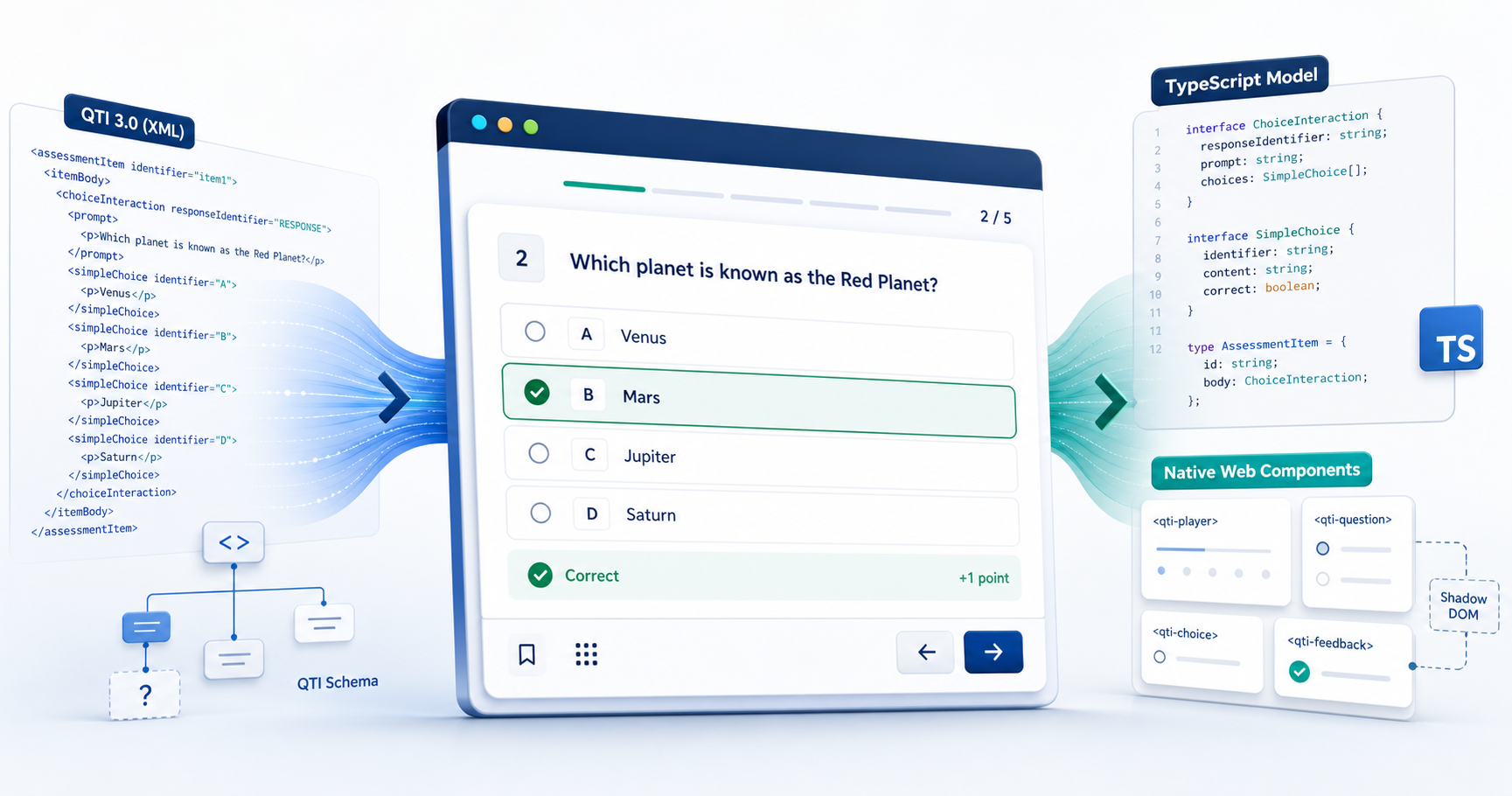
Our QTI 3 packages handle portable assessment content. They cover parsing, validation, delivery, scoring, accessibility preferences, conformance checks, and a native Web Component player.
The three libraries meet at useful boundaries. LTI gives a tool its LMS, course, and user context. OneRoster moves institutional data such as people, classes, enrollments, and grades. QTI defines the assessment content and scoring model. A project can use the pieces it needs and keep its own application code focused on teaching, learning, and the workflow it was built to support.
Checking our work against the specifications
The OneRoster 1.2 registry covers 81 operations across Rostering, Gradebook, Resources, and Assessment Results. We generate it from pinned official specification artifacts. The same metadata feeds the client methods, provider routes, request parsers, response serializers, paths, scopes, and TypeScript contracts.
The repository checks the generated code against the OpenAPI documents and runs portability tests in Node and Deno. The library uses standard Web APIs. Its only runtime dependency is fflate, which handles ZIP containers for CSV packages.
We have tried to make the runtime behavior predictable. Pagination has explicit limits. Read retries are optional and bounded. Writes are never retried automatically. Errors return enough structured information for the application to decide whether to retry, stop, or report a data problem. The 1.1 and 1.2 APIs stay separate where the specifications differ.
Teachers and students will never see most of this code. They will use the assessment tools, reports, learning platforms, and small district applications built on top of it. Those projects are why the shared layer is worth maintaining.
Where to start
Use the root import when you have OneRoster CSV files. Use /v1p2 for a current OneRoster REST service. Use /v1p1 when an existing integration requires the older version.
The repository includes a REST guide and a generated operation catalog. The catalog lists every client method with its HTTP path, query options, success status, and OAuth scope.
Version 0.3.0 gives TypeScript education projects a tested base for OneRoster work. We are looking forward to spending more time on the projects that can now build on it.