
Credentials
01CredTrail: Digital badges institutions can own.
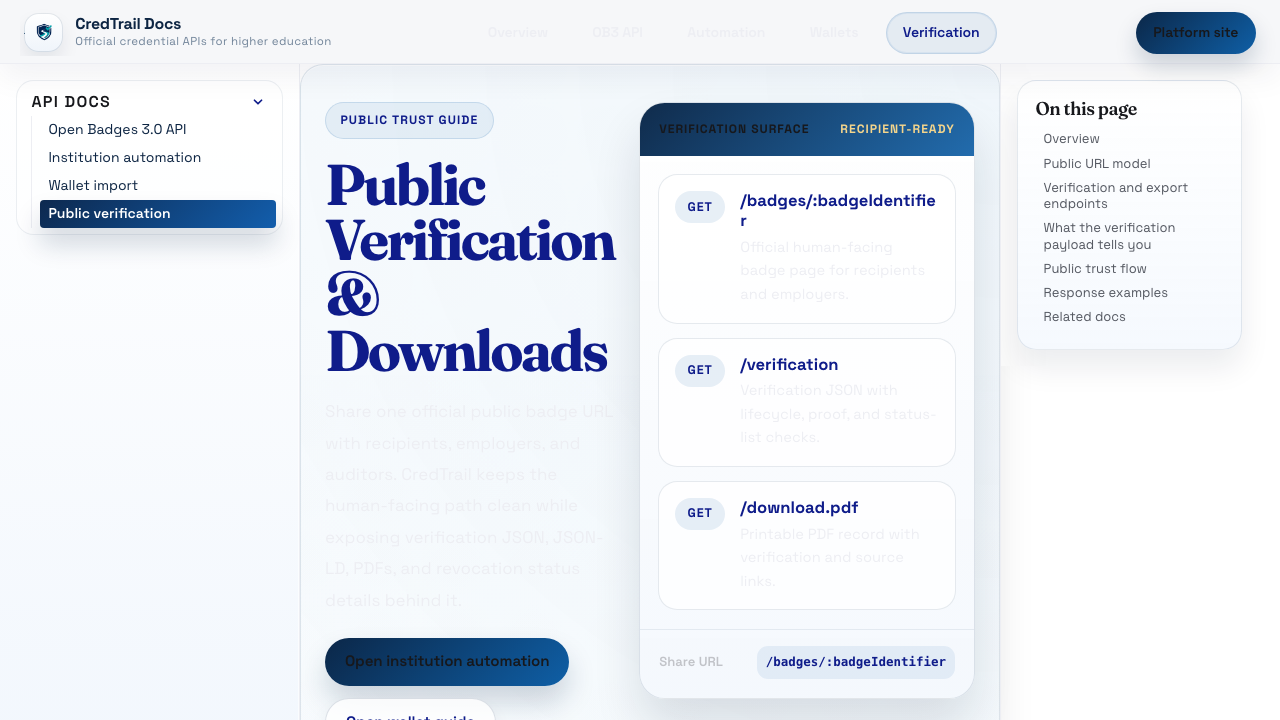
CredTrail gives institutions badge issuing, public verification, wallet support, and a codebase they can inspect or run themselves.
Open-source education products
Since 2004, Longsight has run learning platforms for colleges and universities. We work on identity, LTI, accessibility, uptime, compliance, security review, and open-source support.
More than 100 colleges and universities
01 / Credentials
credtrail.org
Digital badges institutions can host, audit, and verify outside a vendor bundle.
02 / Assessment
qflowlearn.com
QTI 3.0 authoring and delivery for 1 to 100,000 concurrent students.
03 / AI learning apps
appboundary.com
LTI launches, grade return, and security review for instructor-built AI learning apps.
04 / Accessibility
soonward.com
Accessibility remediation for public higher-ed teams with deadlines.
since 2004
Working with campus systems since 2004.
security
Experience with campus security reviews.
deploy
Hosted by Longsight or deployed on campus.
Campus software has to work with course data, identity systems, roster sync, LTI, accessibility review, procurement, uptime, and support. Those requirements shape each Longsight product.
Credentials
01CredTrail gives institutions badge issuing, public verification, wallet support, and a codebase they can inspect or run themselves.
Assessment
02QFlowLearn brings import, editing, validation, preview, and export into one workflow. Its delivery layer supports small classes and test events with up to 100,000 concurrent students.
AI learning apps
AppBoundary.com
AppBoundary connects instructor-built AI learning apps to the LMS through LTI, passes roster context, and returns grades. It also supports privacy and security review.
Accessibility remediation
Soonward.com
Soonward remediates documents, pages, and workflows after an accessibility audit and tracks the follow-up review.
Academic integrity
Winnowr.com
Winnowr is an academic integrity project focused on plagiarism detection and reviewable evidence. It is still in development.
Campus operations
Longsight has worked with more than 100 colleges and universities. Our work includes security, privacy, accessibility, procurement, integration, hosting, and ongoing support.
Security
We have passed campus security reviews for systems that touch learning data, identity, grades, and integrations.
Deployment
Some schools want Longsight to host the service. Some need a campus-run instance. We design for both.
Review
Privacy, accessibility, procurement, data retention, and vendor review are part of getting software approved on campus.
Higher ed
We schedule releases, integration work, accessibility fixes, and support around the academic calendar.
Engineering notes
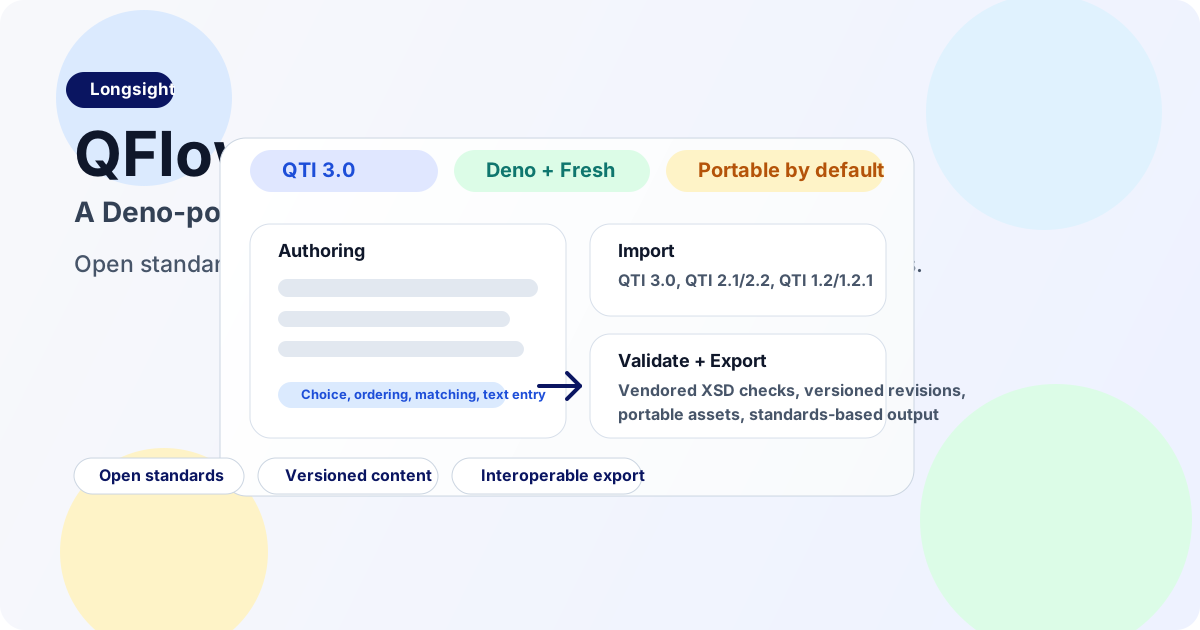
QFlow gives institutions one workflow to import, edit, validate, preview, and export QTI assessment content.
Read article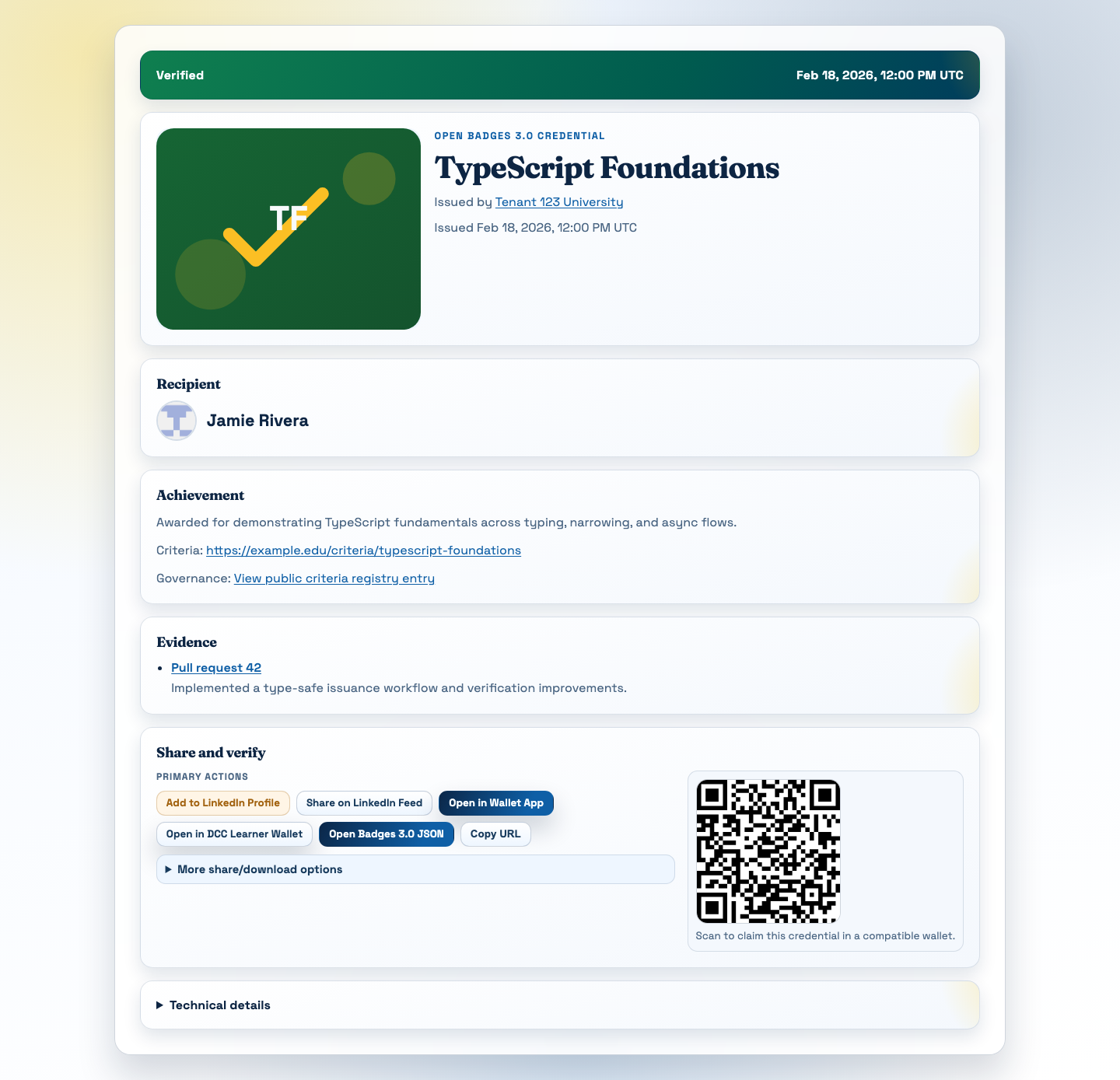
Digital credentials need an institution-controlled service that preserves issuer identity, proof, status, and portability after a course ends.
Read articleMore products
We are also developing products for AI learning apps, accessibility remediation, and academic integrity.
Work with Longsight
We work on LMS integration, hosted and campus-run deployments, security review, accessibility, and open-source support.